Plays behind your icons
The video sits under the real desktop, not on top of it. Shortcuts, right-click, drag and drop — everything keeps working exactly as before.
For Windows 10 & 11
LivePaper plays looping video wallpaper right behind your desktop icons — 154 included — and pauses itself the moment a fullscreen app, a locked session or Battery Saver hides it from you.
Why LivePaper
A wallpaper app that knows when to play and when to get out of the way.
The video sits under the real desktop, not on top of it. Shortcuts, right-click, drag and drop — everything keeps working exactly as before.
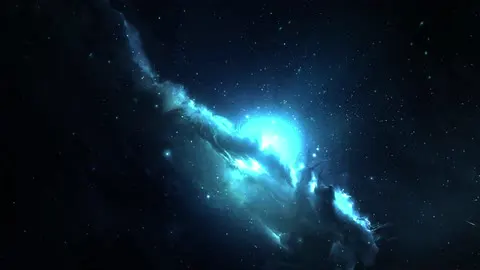
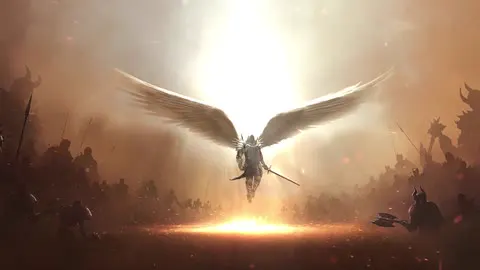
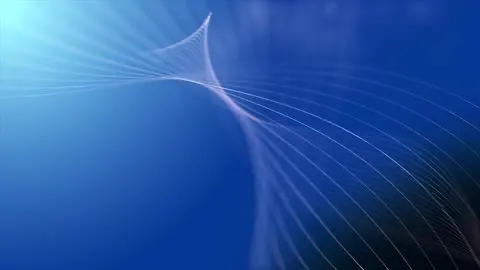
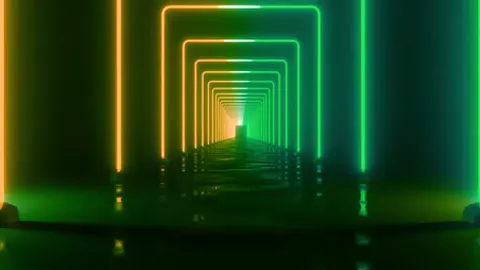
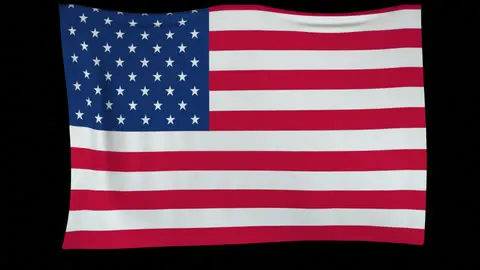
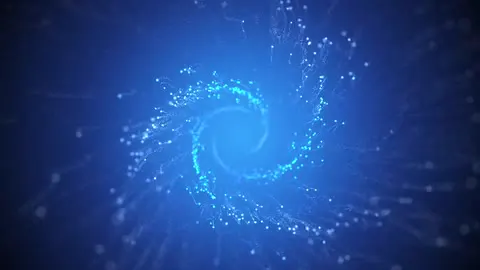
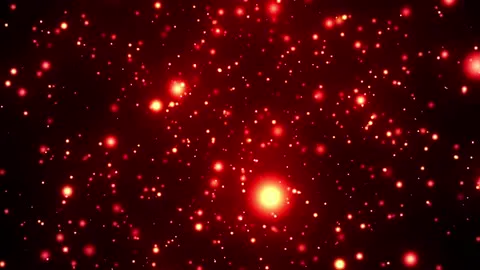
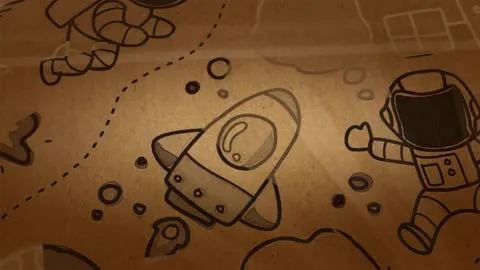
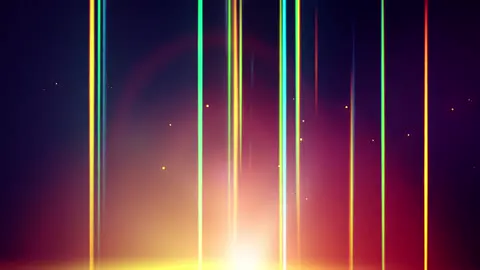
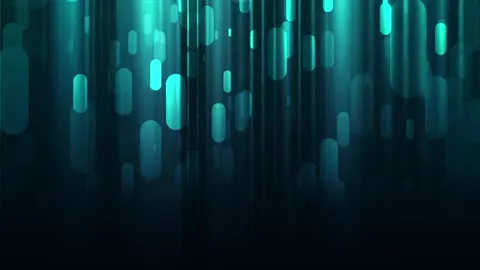
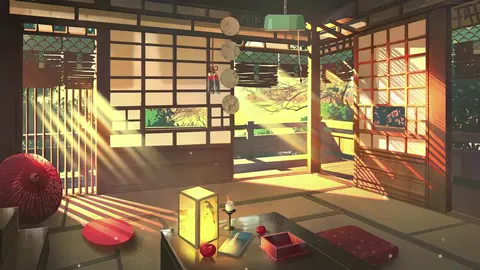
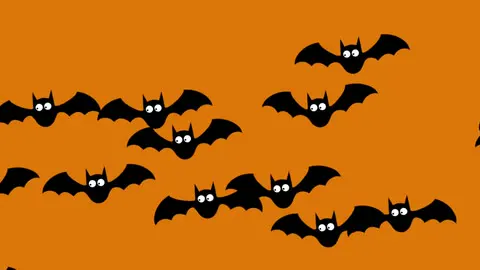
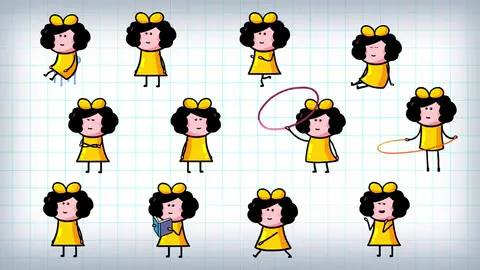
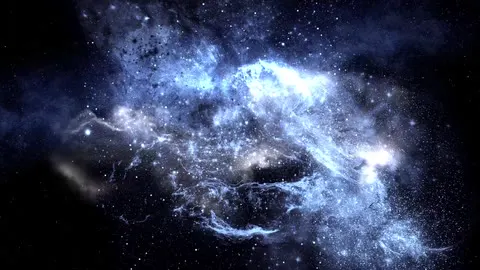
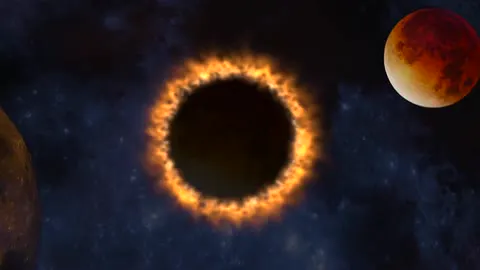
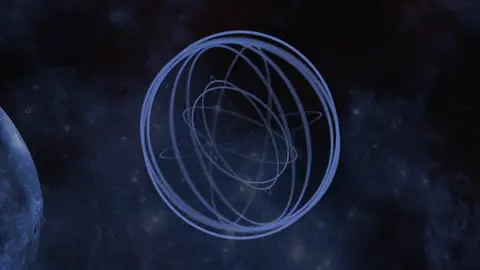
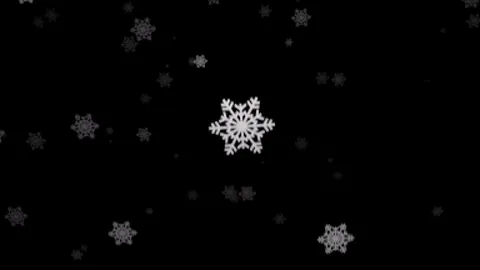
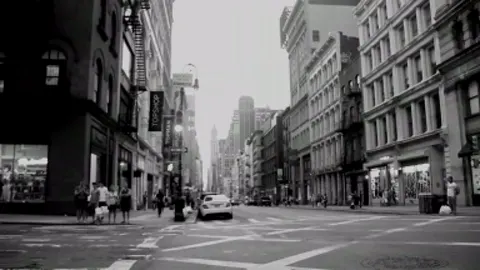
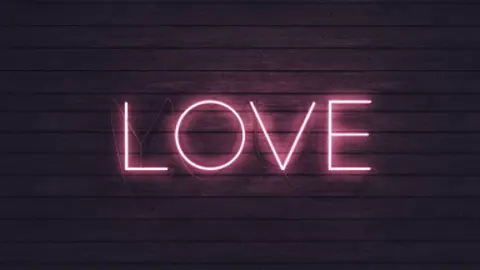
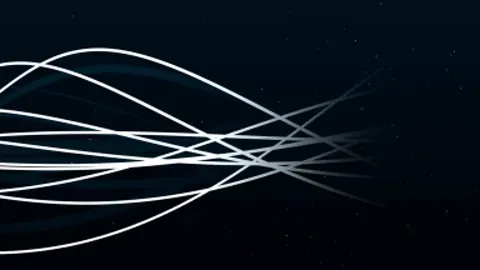
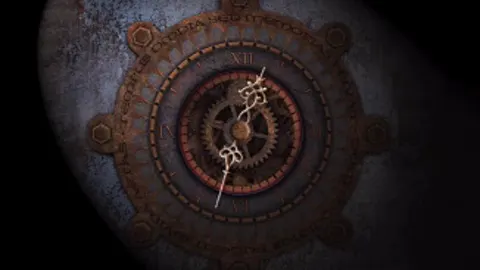
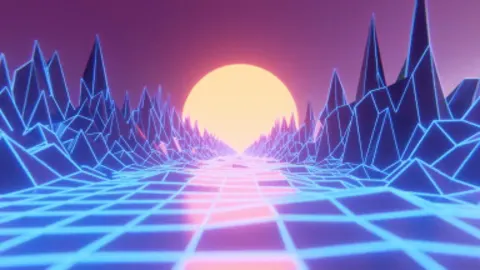
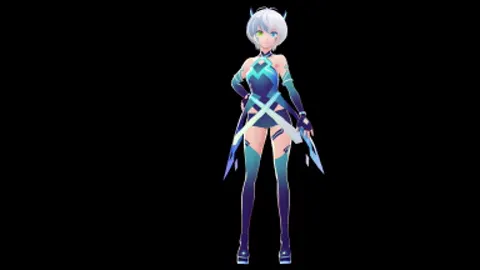
Nature, space, anime, city, particles, light effects and holiday scenes — every one ready to go the moment you install. Favorite the ones you love and filter by category.
A maximized window, a fullscreen game, a locked session or Windows Battery Saver — LivePaper stops playing the moment nobody can see the wallpaper and picks up again when you come back.
Each monitor decides for itself. Fill one screen with a game and the wallpaper on the others keeps moving.
Wallpaper video is decoded on your graphics hardware through Windows Media Foundation.
No ads, no tracking, no account. Start it with Windows, pick a wallpaper, and forget it is there. Dark and light themes, in nine languages.
Included library
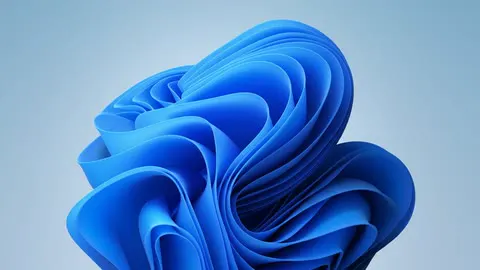
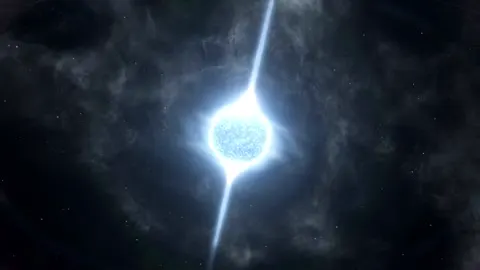
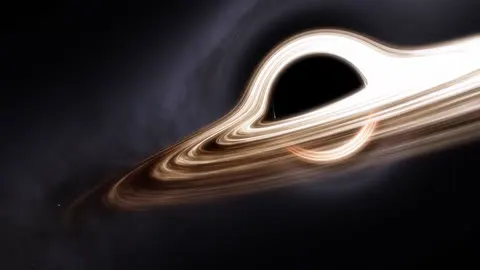
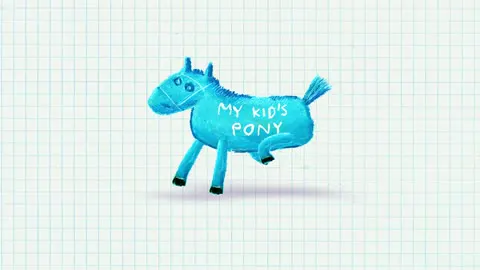
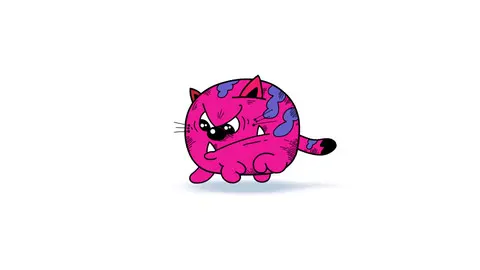
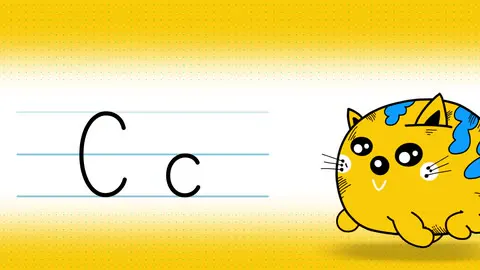
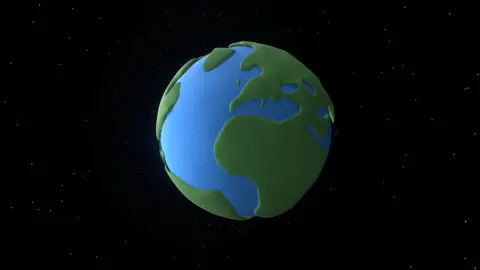
Every wallpaper ships inside the app — nothing to download, nothing to hunt for. Pick a category to browse.






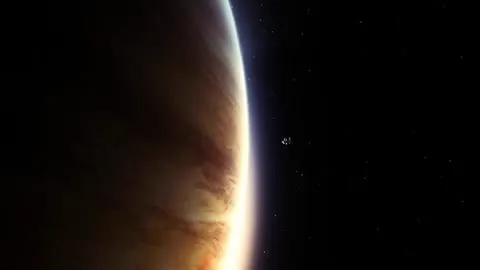
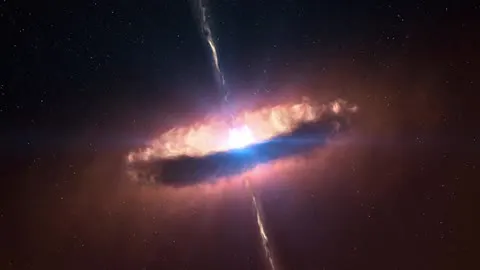


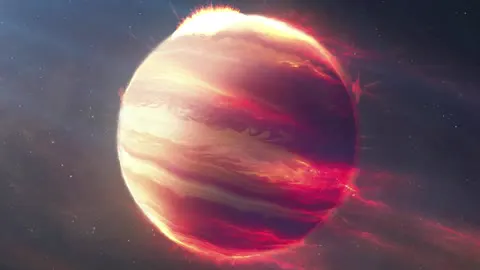


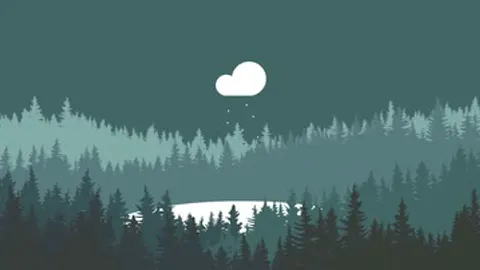






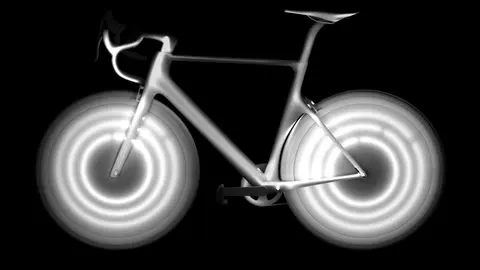
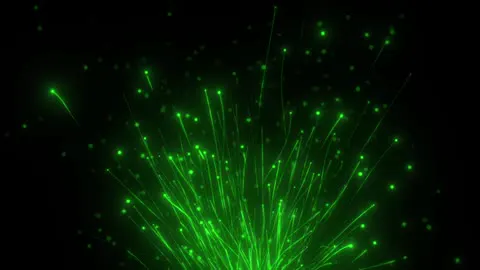


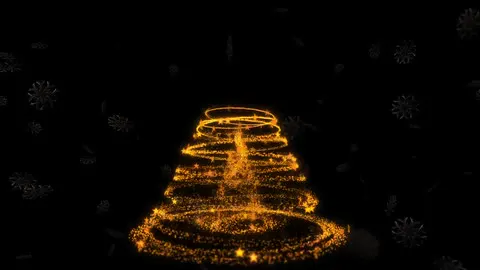
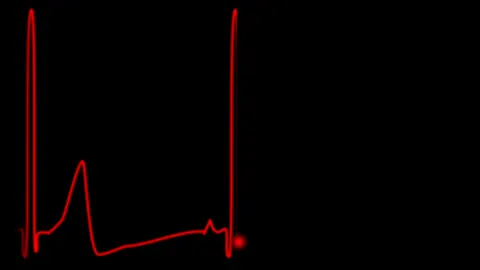






























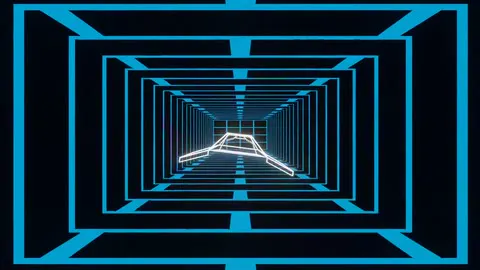
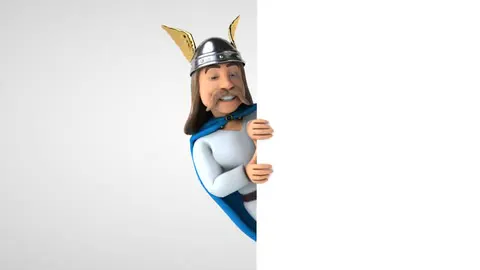

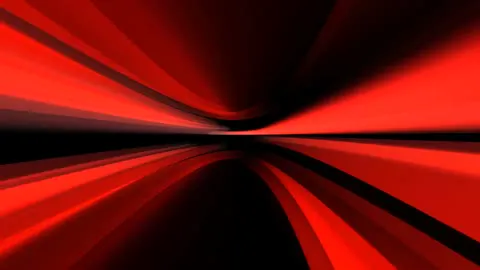

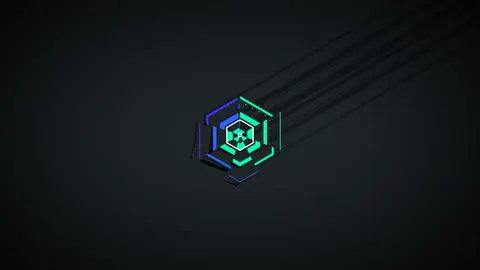




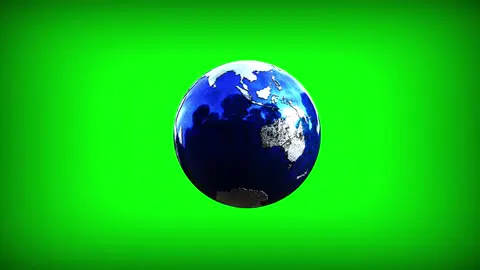
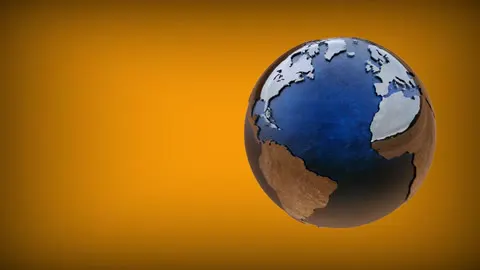














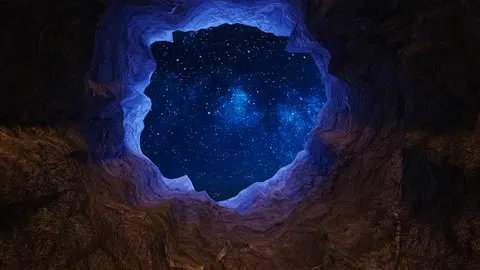

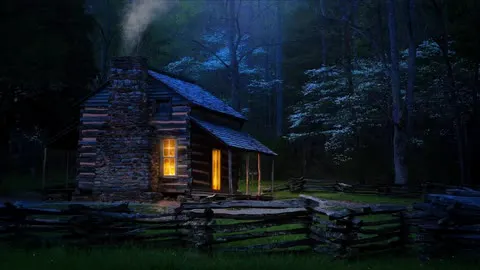



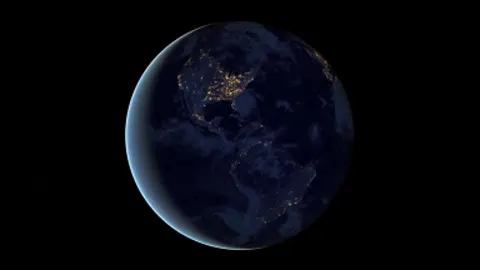



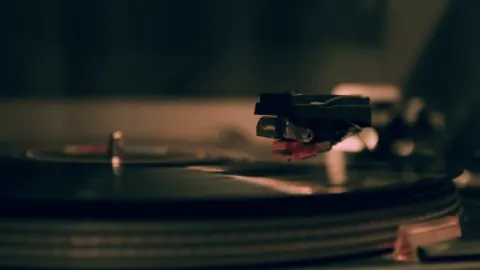
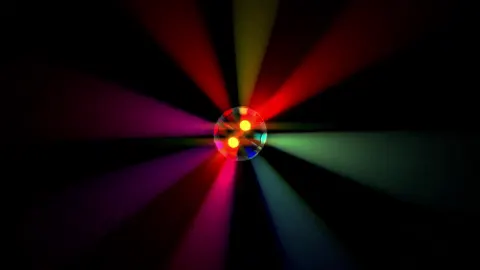
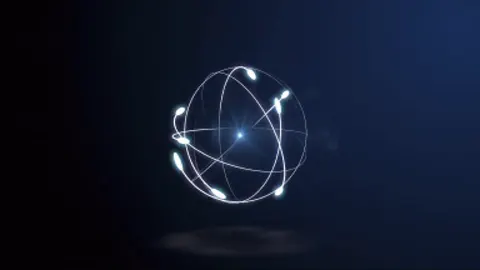




No wallpapers in this category.
A closer look
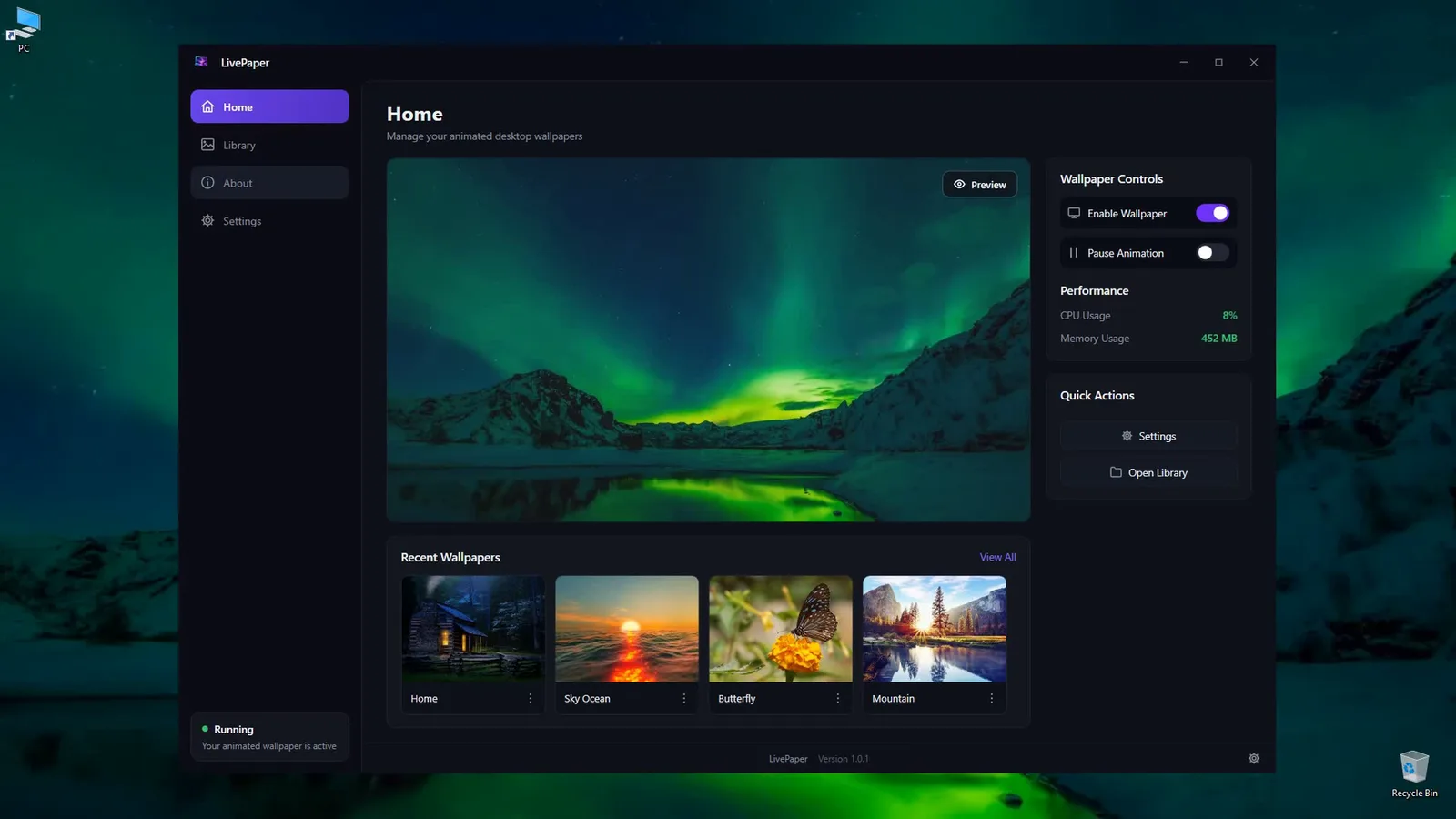
Preview the active wallpaper, toggle it on or off, pause the animation, and jump straight to recent picks.
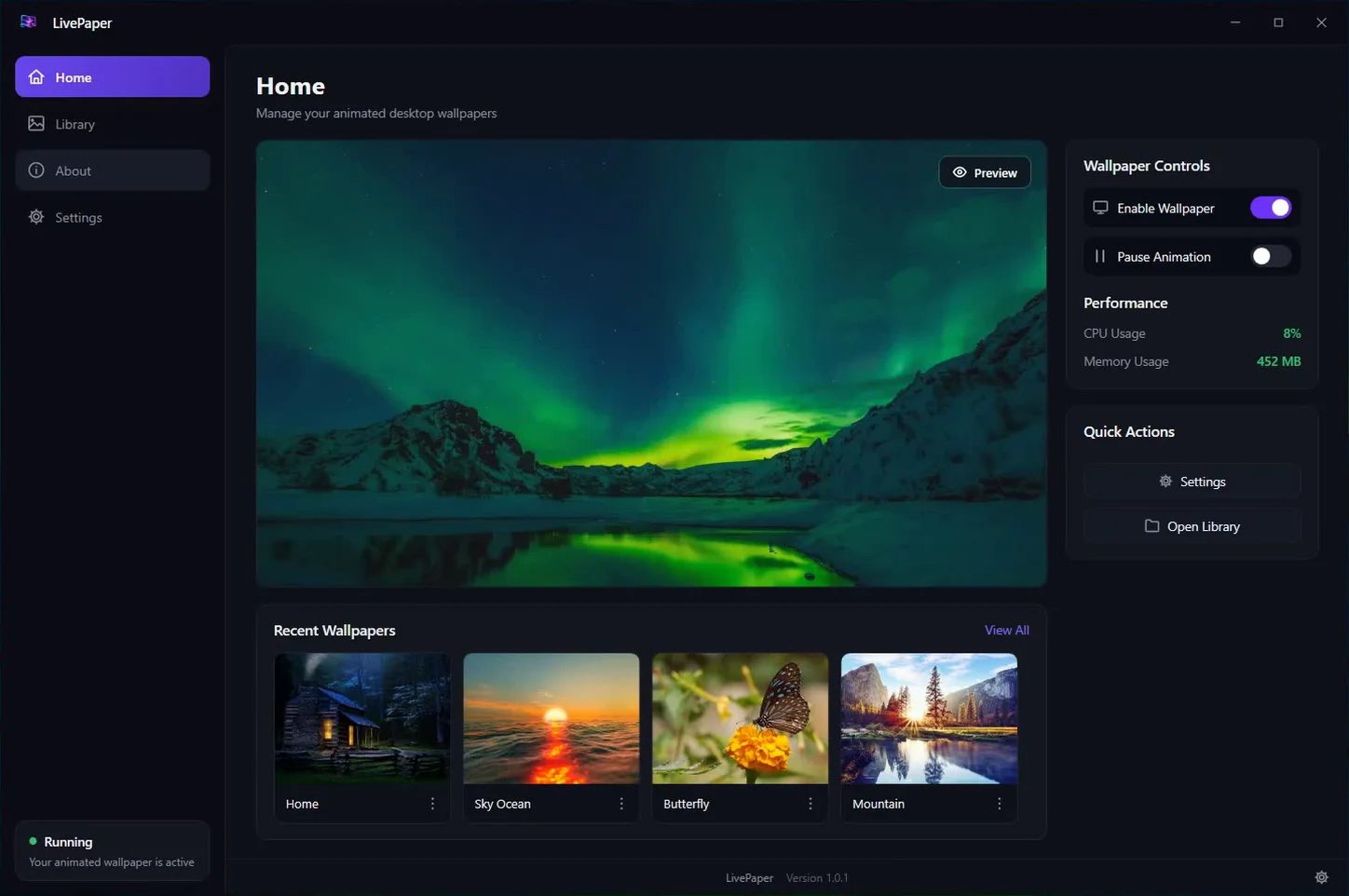
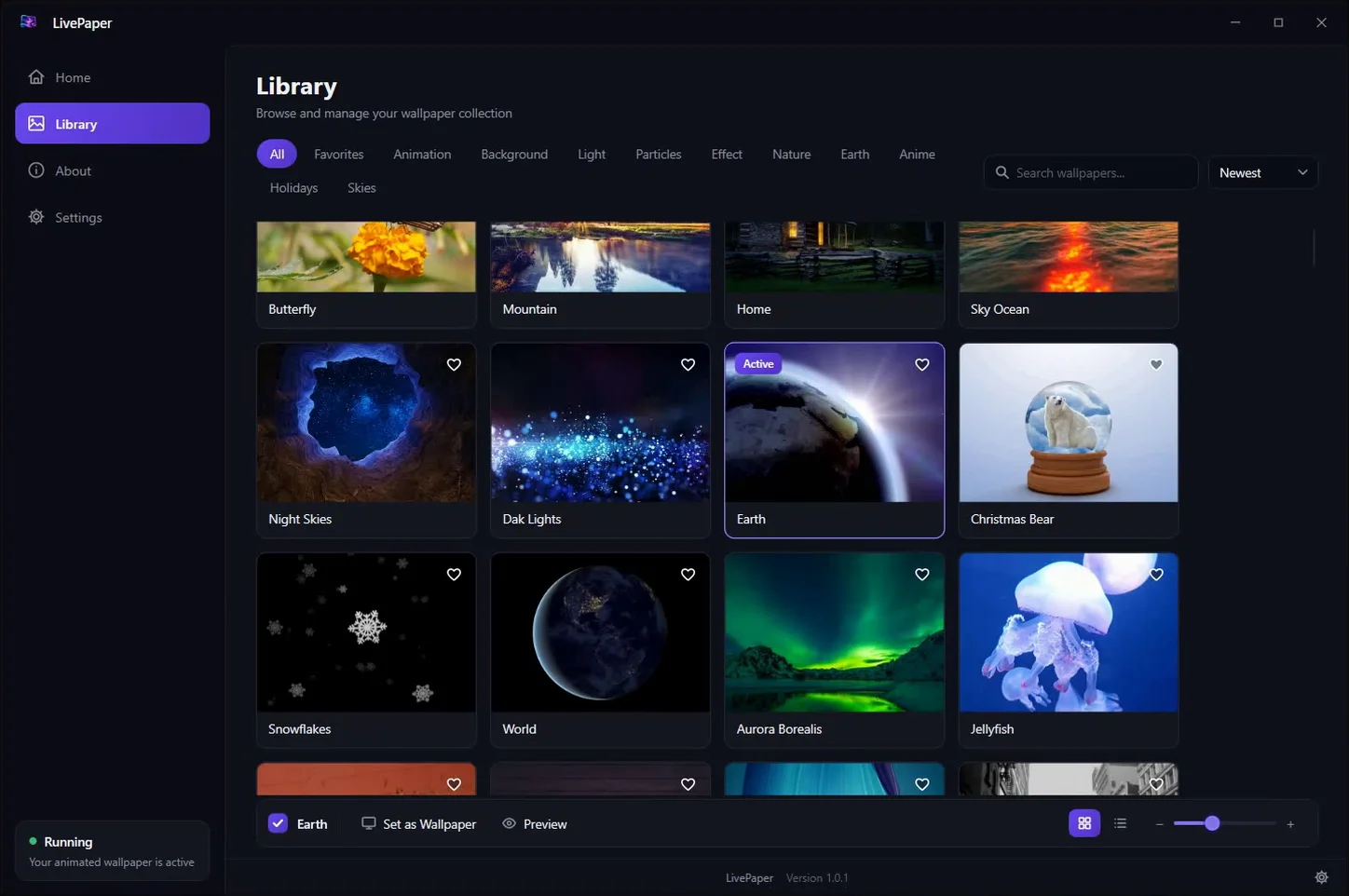
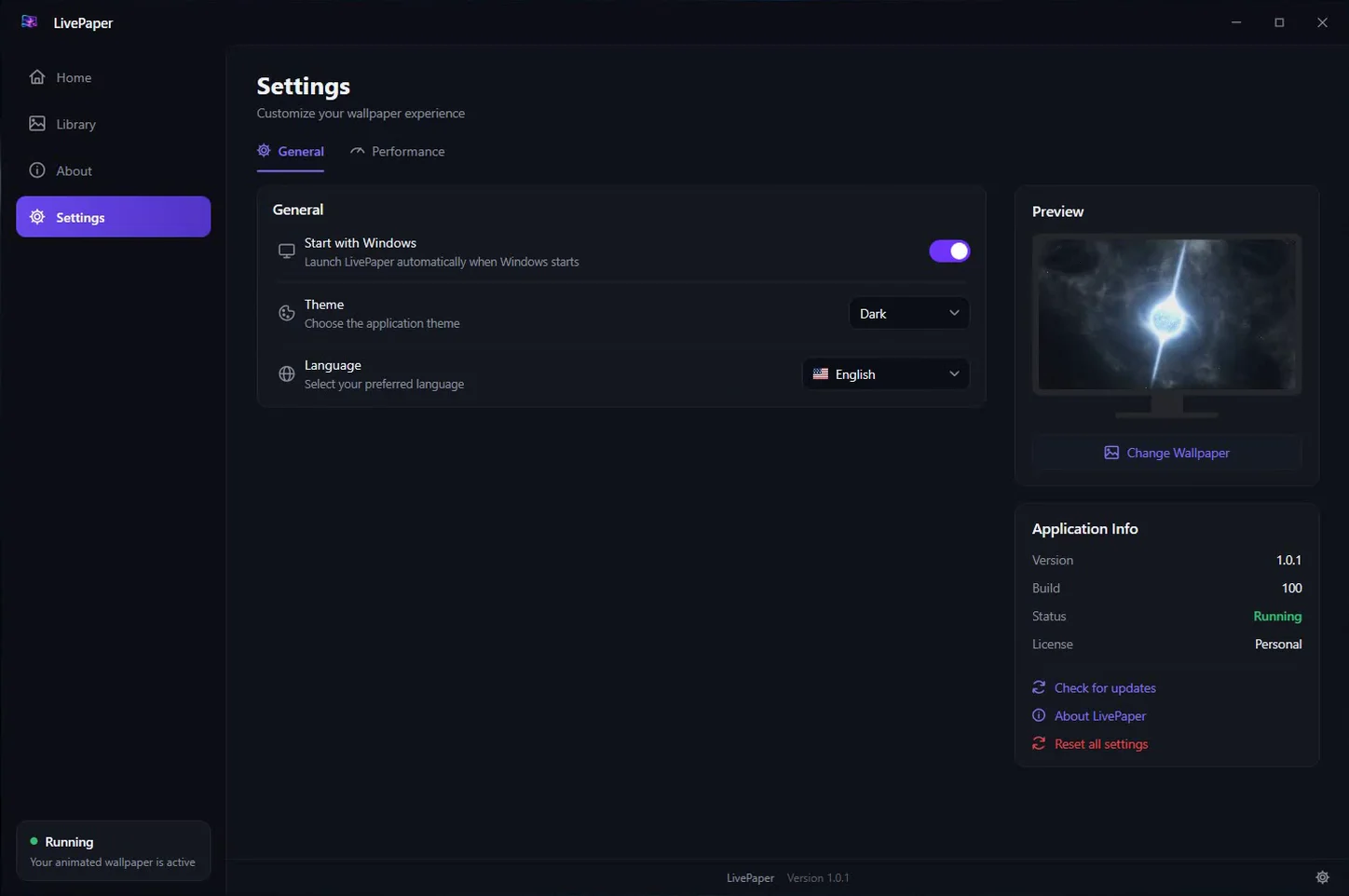
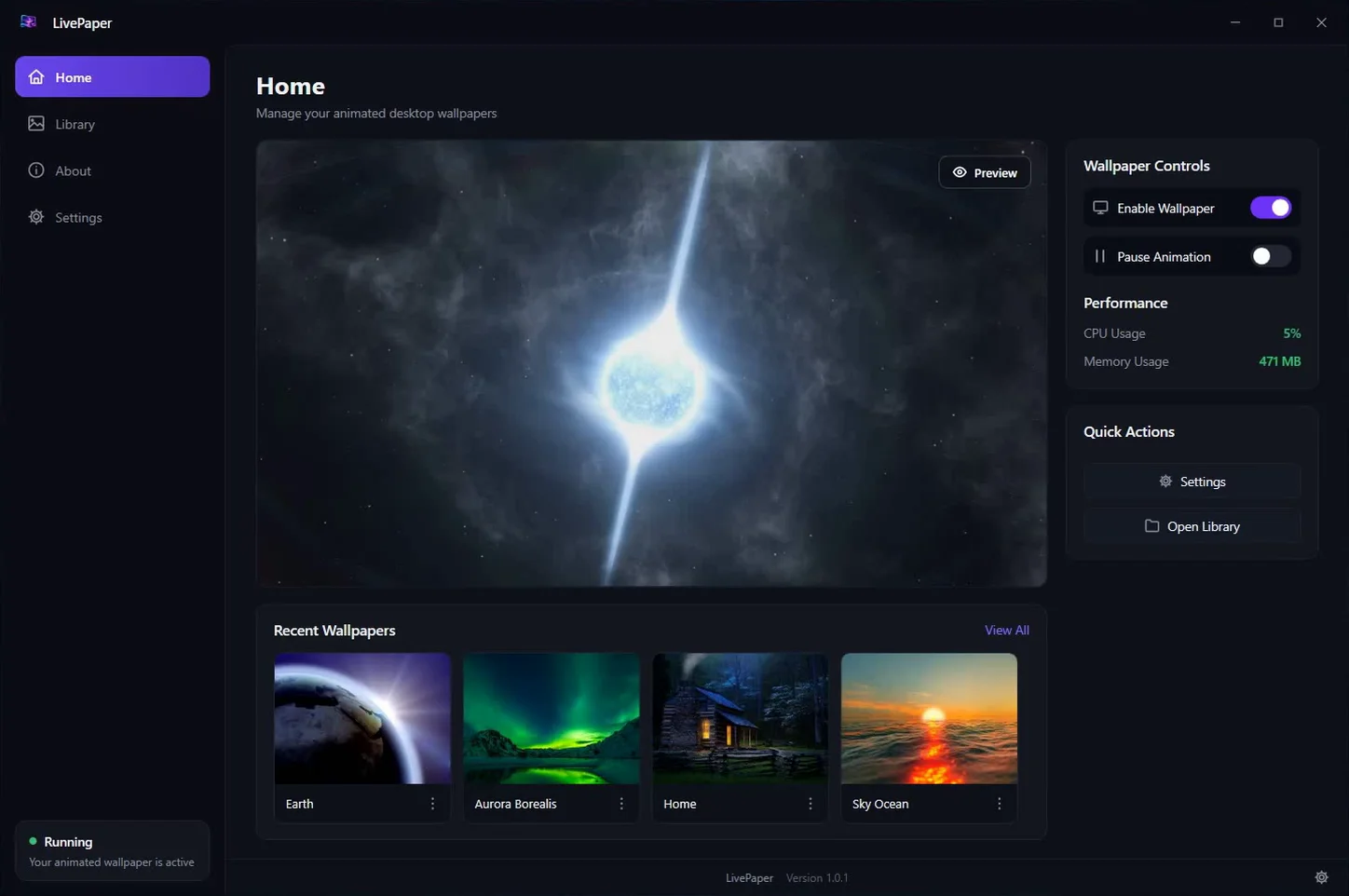
See it move
Getting started
One click on the Microsoft Store. Updates arrive the same way — nothing to download by hand.
Open the Library, find a scene you like, and set it. It starts playing behind your icons immediately.
It starts with Windows, pauses when something covers it, and stops on Battery Saver. Your desktop just keeps moving.
Questions
Windows 10 (version 1809 or later) and Windows 11, on both x64 and ARM64 PCs. It is installed and updated through the Microsoft Store.
No. As soon as a maximized or fullscreen window hides the wallpaper, LivePaper pauses playback on that monitor, and it resumes when the desktop is visible again. It also stops when you lock the session and while Windows Battery Saver is on.
Yes. The wallpaper plays across all your monitors, and each monitor pauses independently depending on what is covering it.
No. Wallpapers play silently — your desktop should never talk over you.
No. There are no ads, no tracking and no account to create.
LivePaper is sold through the Microsoft Store with a free trial, so you can see it on your own desktop before you decide. Pricing in your currency is shown on the Store listing.
English, German, Spanish, French, Italian, Japanese, Korean, Portuguese (Brazil) and Simplified Chinese. You can switch language inside Settings.

154 animated wallpapers, playing behind your icons, on Windows 10 and 11.