A little of everything.
Nature, space, light, anime and more. Follow your mood, or find something unexpected.
Live wallpapers. A more personal screen.
Bring your Windows desktop or Android home screen to life. Explore 154 included video wallpapers and make the view your own.
Available for Windows and Android.

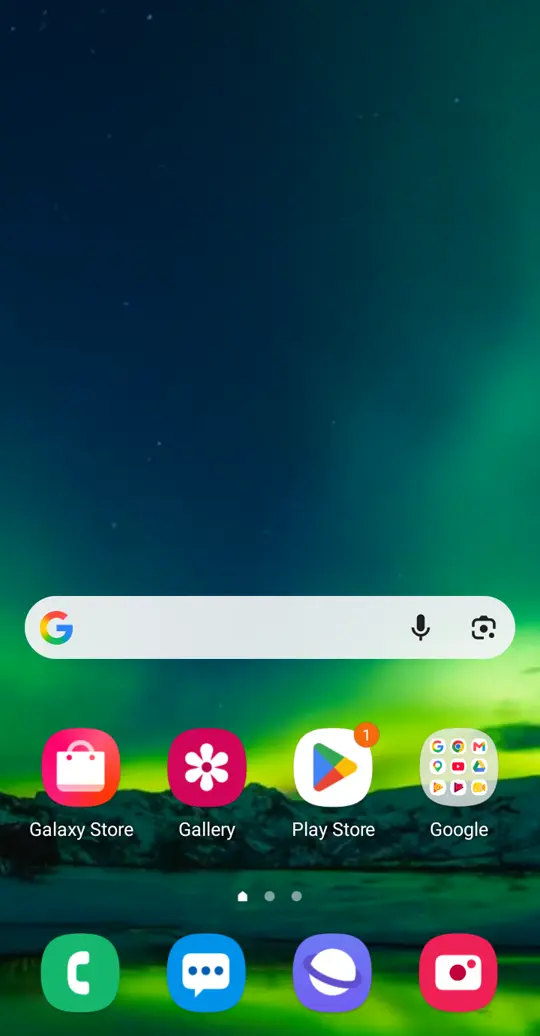
One collection. A new perspective on every day.
A change of scenery
A quiet forest. A sky full of stars. A little color after dark. Find a scene for your kind of day.
The video could not play. You can still explore the wallpaper previews.
Meet your next favorite
Browse by category, search by name, and keep the scenes you love in Favorites. Preview a wallpaper before you set it.
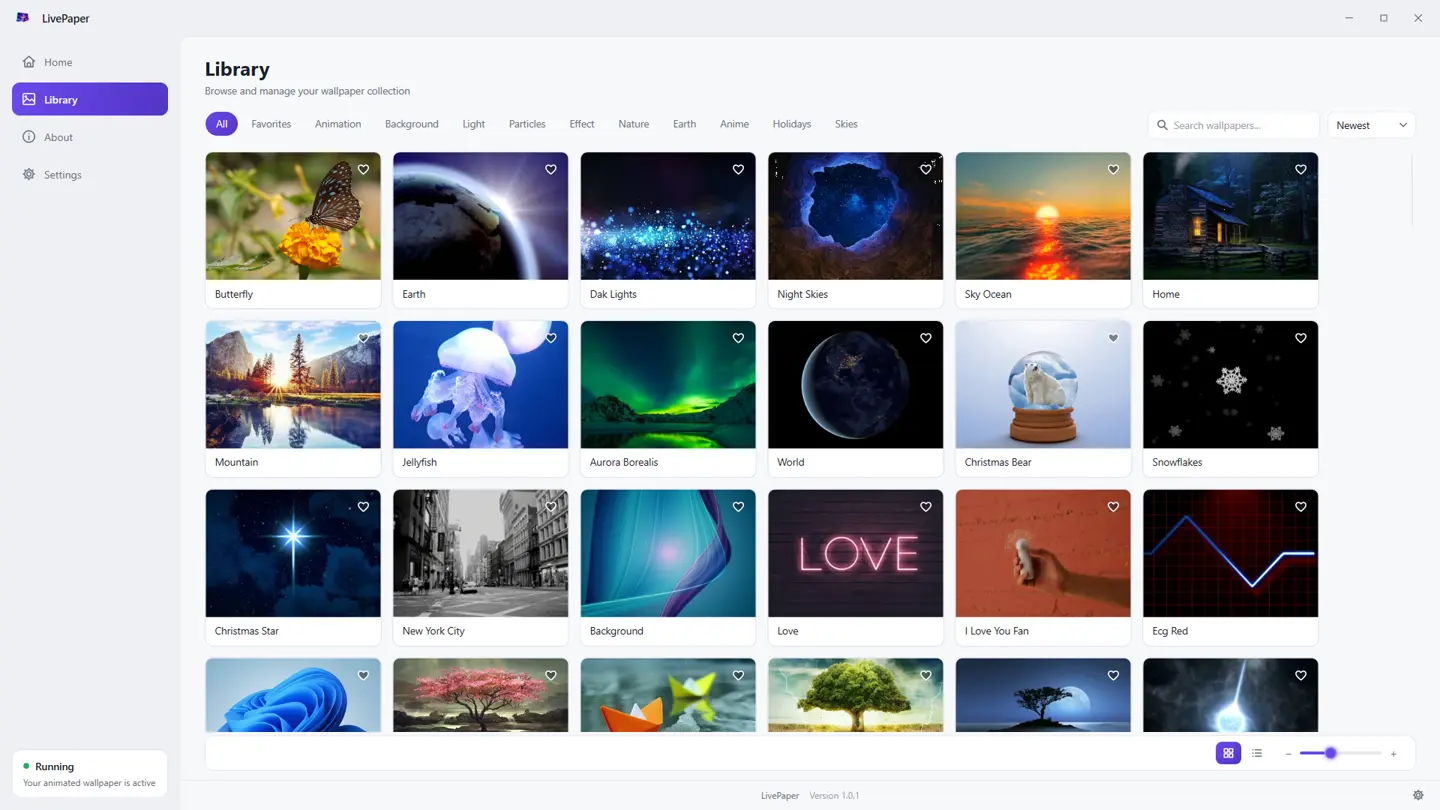
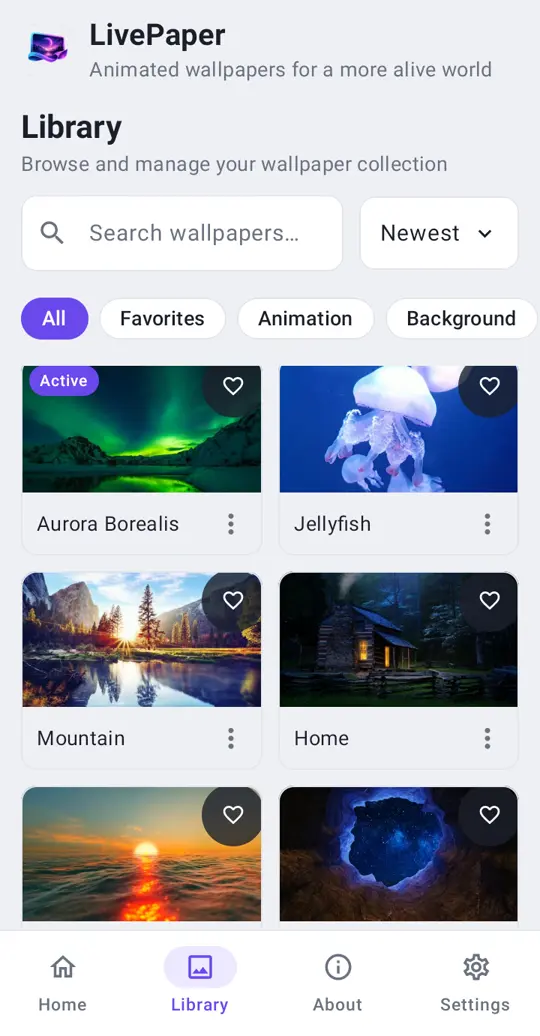
Nature, space, light, anime and more. Follow your mood, or find something unexpected.
Tap the heart to save a favorite. Your next change of scenery is easy to find.
Take a closer look in a full-screen preview, then make the scene your own.
At home on your screen
The same collection, with thoughtful controls for the way you use each device.
Windows
Your icons stay where they belong, with a moving scene behind them. Choose how playback responds to fullscreen apps and Battery Saver, and whether LivePaper starts with Windows.
With per-monitor pause, an uncovered desktop can keep moving while another screen is in use.
Get for Windows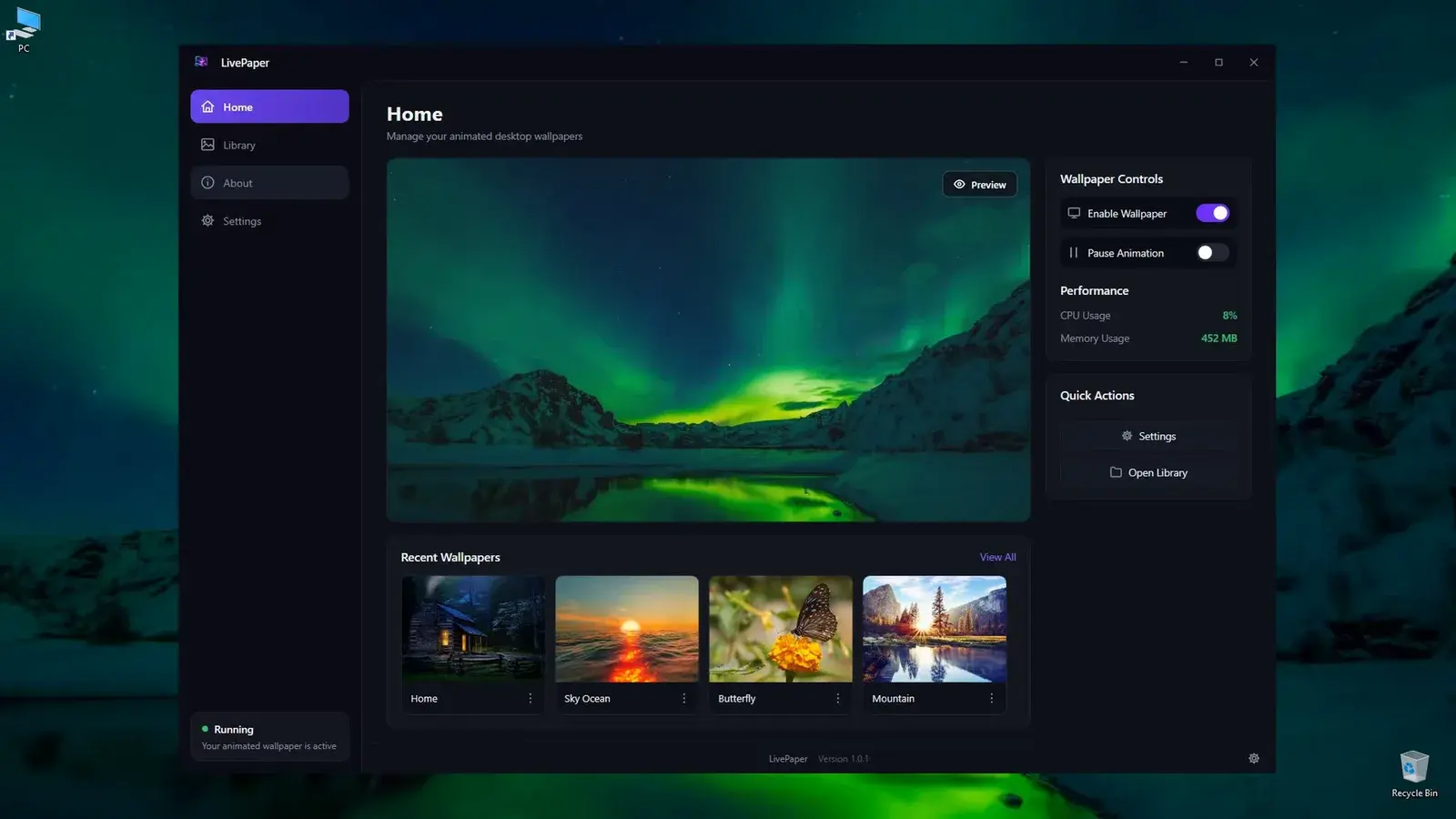
Android
Put a moving scene behind your home-screen icons. Return to recent favorites and choose playback rules for Battery Saver, low battery and heat.
Live wallpaper on the lock screen depends on your Android device. You can also choose a matching still picture that changes with your wallpaper.
Get on Google PlayEvery wallpaper is included and works offline. Just pick a view you love and enjoy a little more life on your screen.
Good to know
LivePaper is available for Windows and Android. The Windows app supports Windows 10 version 1809 or newer on x64 and ARM64 PCs. Check Google Play for your Android device’s compatibility.
Yes. The current Windows and Android apps each include 154 video wallpapers. Browse the collection inside the app and choose your favorites.
No. Wallpaper playback is always silent on both Windows and Android.
Yes. The included wallpapers play offline. Purchases, installation and updates are handled by the Microsoft Store or Google Play.
Live lock-screen wallpaper depends on your device’s support. LivePaper also offers a matching still picture that updates when you select a wallpaper.
Visit the Microsoft Store or Google Play for the current price and availability in your region.
Get LivePaper for Windows or Android. Choose a scene. Make it yours.
Current pricing and availability are shown in each store.